
Smart Office for Mobile4.1.3.900 - Get APK
You'll be able to download in few seconds.
Publisher Description
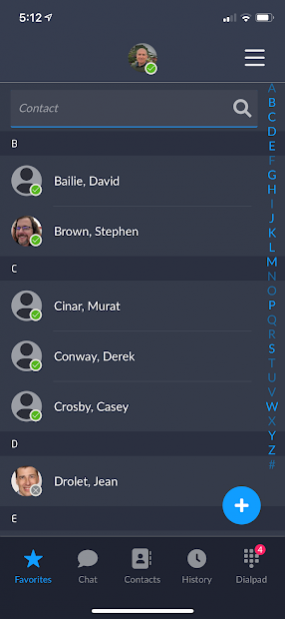
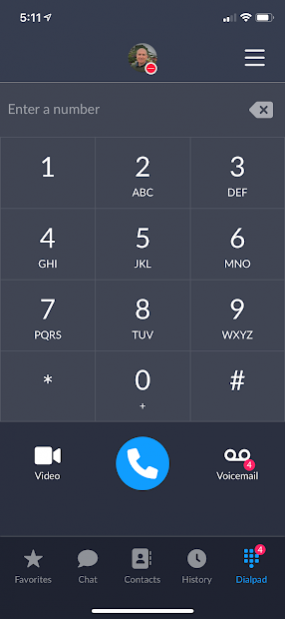
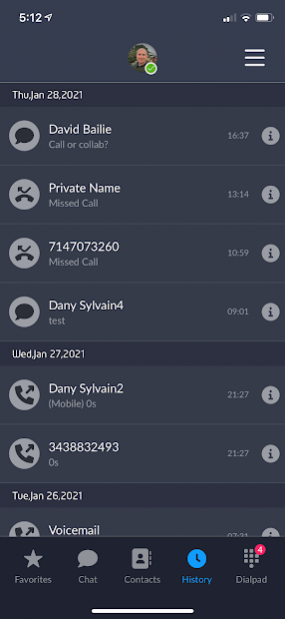
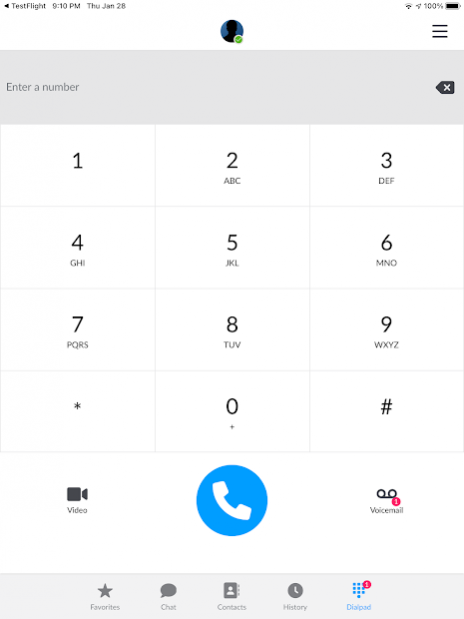
Smart Office for Mobile delivers Unified Communications (UC) services (voice and video calling, IM, presence and corporate directory access) to an Android phone. This mobile app can be deployed as a user’s primary communication app or in concert with other Smart Office clients or standards-based SIP phones/devices.
The mobile client can ring concurrently with other clients/devices so users never miss a call. Leverage the Call Grabber feature to effortlessly move live calls from one client/device to another.
Smart Office for Mobile services include:
• Voice Calling
• Video Calling (point to point)
• Instant Messaging
• Presence
• Voice Conferencing
• Smart Office Collaboration Room Integration (video and screen share)
• Organization-wide and Personal Address Book
Other features include:
• Light and Dark mode interface
• Messages sent and received are synchronized on all user's clients
• Call Boost (move active VoIP call to cellular)
• Security and encryption via HTTPS and SRTP
• Automatic hand-off from WiFi to cellular 3G/4G network
• Support for multiple languages (English, French, Spanish, Portuguese, German, Korean, Japanese)
Consult the product documentation for complete feature details.
PLEASE NOTE: This Smart Office client requires a valid login and password for Kandy Business Solutions
About Smart Office for Mobile
The company that develops Smart Office for Mobile is Ribbon Communication Inc.. The latest version released by its developer is 4.1.3.900.
To install Smart Office for Mobile on your Android device, just click the green Continue To App button above to start the installation process. The app is listed on our website since 2022-01-23 and was downloaded 0 times. We have already checked if the download link is safe, however for your own protection we recommend that you scan the downloaded app with your antivirus. Your antivirus may detect the Smart Office for Mobile as malware as malware if the download link to com.genband.smartoffice is broken.
How to install Smart Office for Mobile on your Android device:
- Click on the Continue To App button on our website. This will redirect you to Google Play.
- Once the Smart Office for Mobile is shown in the Google Play listing of your Android device, you can start its download and installation. Tap on the Install button located below the search bar and to the right of the app icon.
- A pop-up window with the permissions required by Smart Office for Mobile will be shown. Click on Accept to continue the process.
- Smart Office for Mobile will be downloaded onto your device, displaying a progress. Once the download completes, the installation will start and you'll get a notification after the installation is finished.
Program Details
System requirements
Download information
Pricing
Version History
version 4.1.3.900
posted on 2022-01-23
Bug fixes
version 4.1.0.2000
posted on 2021-05-20
This release resolves call failures seen on some Samsung devices after an Android OS security update
version 3.6.2.104
posted on 2020-02-14
User interface enhancements
version 3.6.0.96
posted on 2019-11-06
This version adds scrolling the full enterprise address book and mobile address book.
version 3.5.1.152
posted on 2019-03-22
This release fixes a number of issues.
version 3.2.0.281
posted on 2016-12-22
Smart Office services include:,• Voice Calling,• Video Calling (point to point),• Voice Conferencing (via GENBAND’s MeetMe Conference services),• Instant Messaging,• Presence,• Network Based Address Book
Disclaimer
External Download
We do not host Smart Office for Mobile on our servers. We did not scan it for viruses, adware, spyware or other type of malware. This app is hosted by Galad and passed their terms and conditions to be listed there. We recommend caution when installing it.
The APK Download link for Smart Office for Mobile is provided to you by apps112.com without any warranties, representations or guarantees of any kind, so access it at your own risk.
If you have questions regarding this particular app contact the publisher directly. For questions about the functionalities of apps112.com contact us.
